Fake Google reviews: how to spot them, report them and reply
A burst of 1-star ratings in one night, an account with no other review, a text about another place: the signs of a fake review, the steps to report it to Google, and the reply to publish meanwhile.
Also available in: French
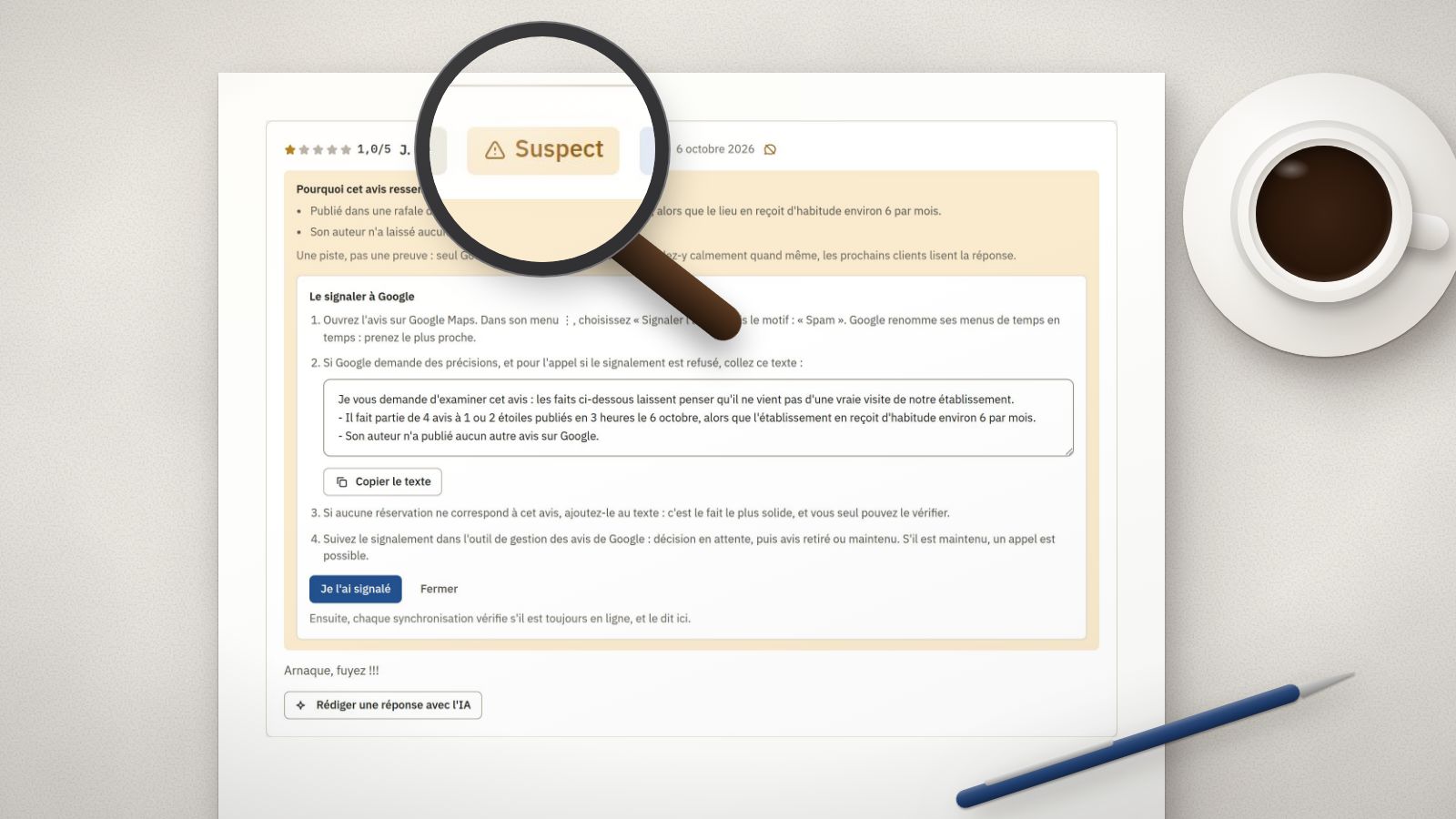
One morning, four 1-star reviews arrived overnight. None of these customers appears in your bookings. The first reflex is to ask Google to remove them.
The good news: Google removes reviews that break its rules. The less good news: a harsh review, even an unfair one, left by a real customer is not one of them. Before reporting, you need to tell them apart.
The signs of a fake review
No sign proves anything on its own. It is their accumulation that should alert you.
- A burst. Several 1 or 2-star ratings within a few hours, when the venue usually gets a few a month.
- An author with no history. An account that has left no other review, or only 1-star ratings on the same day.
- A text that is not about you. It describes another place, a service you do not offer, another town: a pizza at an escape game, a hotel room at a museum.
- The same text elsewhere. Word for word another customer’s review, or one left at another venue.
- A conflict of interest. A former employee writing about their former employer, a competitor trying to pull your rating down: Google lists them among prohibited reviews.
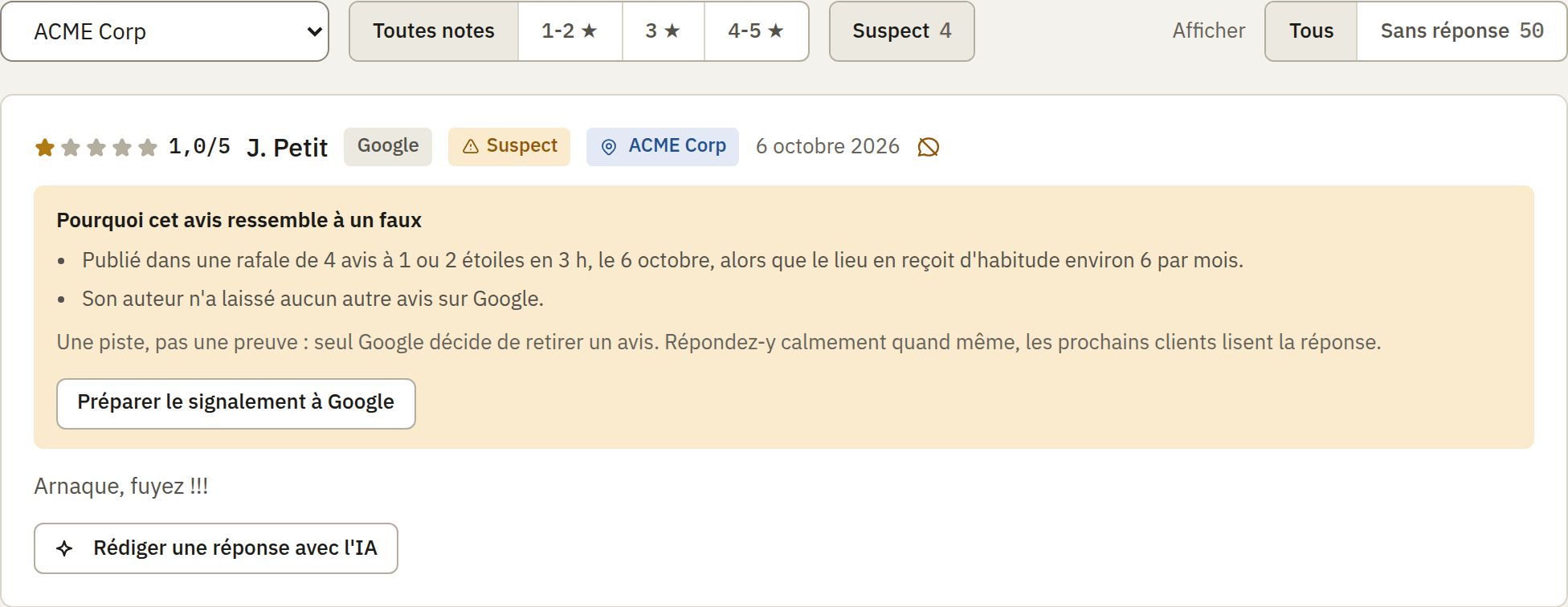 In 123Hector, a suspect review carries a label and its reasons, in plain words. (Our screenshots are of the French app.)
What Google removes, and what it keeps
Google removes reviews that break its rules: fake engagement (paid reviews, several accounts run by one person), conflict of interest, off-topic, insulting or hateful content, personal information. It keeps the reviews it dislikes no more than you do: disagreeing with a review is not a reason for removal, as Google says itself, since it cannot know who is right about an experience.
Reporting a review to Google, step by step
- Report the review. From your Business Profile, in the reviews, or from Google Maps: the review’s menu, then “Report review”. Pick the closest reason (spam, off topic, conflict of interest…).
- Follow the decision. Google’s Reviews Management Tool shows the status of each report: pending, then review removed or kept. The assessment often takes several days.
- Appeal, once. If the review is kept, the tool allows a single appeal. That is the time to bring facts: the burst and its times, the author’s lack of other reviews, and above all the lack of a matching booking, if that is the case. It is the strongest fact, and only you can check it.
- For illegal content (defamation, insults, personal data), Google has a separate form to request removal for legal reasons.
Write facts, never accusations against a person: “This review is one of four posted within three hours on 6 October” is better than “it’s our competitor”.
Reply all the same
Reporting takes days; the review is read today. A calm reply, published under the review, reassures the next customers far more than it feeds the conflict:
“Hello, we cannot find your visit in our bookings for 6 October. If you came to see us, please write to contact@…: we want to understand what happened.”
Accuse no one, reveal nothing about any customer, and promise nothing. Our guide to replying to Google reviews gives more examples, including the reply to an unfair review.
And the law?
In France, posting fake reviews, or having them posted, has been a misleading commercial practice in all circumstances since 28 May 2022 (article L.121-4 of the Consumer Code, 28°), and a misleading practice committed online has carried up to five years in prison and a €750,000 fine since May 2024 (article L.132-2). A campaign of fake negative reviews against a venue can also amount to disparagement, a civil wrong.
A complaint or a lawsuit is prepared with a lawyer: the identity of a review’s author can only be obtained through the courts. From day one, keep dated screenshots of the reviews and their authors.
With 123Hector
Every 1 or 2-star rating is read for these signs: a burst, an author with no other review, a text identical to another, a review about another venue. When they add up, the review is marked “Suspect”, with its reasons in plain words, and the venue’s page tells you.
“Prepare the report to Google” gives what Google asks for: where to click, the reason to pick, and the facts to paste, written from the signs. Once you have reported it, “I reported it”: every sync then checks whether the review is still online. And meanwhile, the reply to publish is drafted in one click, in your voice.
To see whether your recent reviews contain any, the free audit reads them for you.
Sources
- Google, remove reviews from your Business Profile: reporting a review, the Reviews Management Tool.
- Google, prohibited and restricted content on Maps: fake engagement, conflict of interest.
- Légifrance, article L.121-4 of the French Consumer Code.
- CMS Francis Lefebvre, the new penalties for misleading commercial practices committed online.
Want to see what your reviews say?
Get a free AI-powered audit of your venue's online reviews. No credit card required.
Get your free auditKeep reading
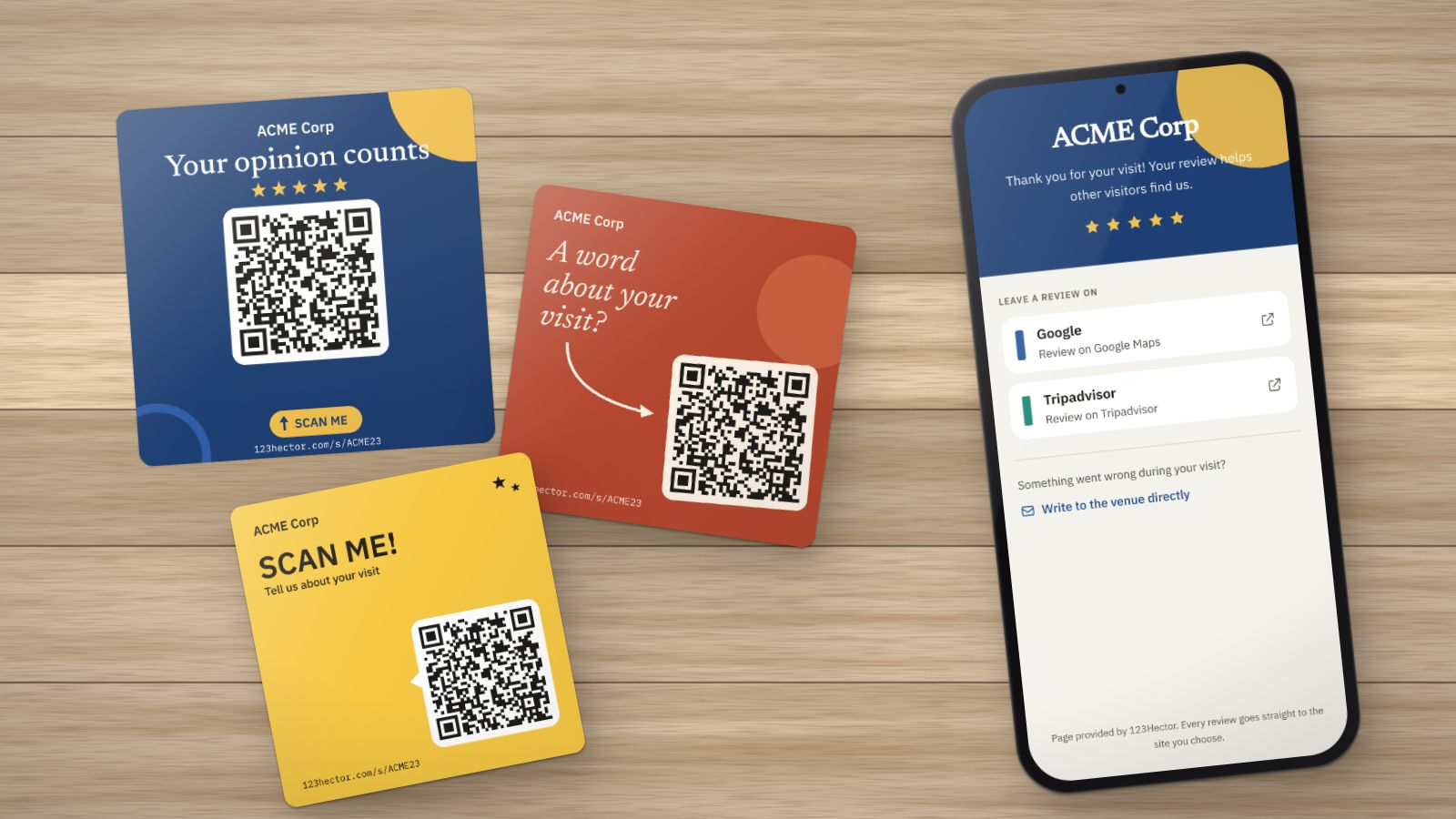
How to get more Google reviews: 8 methods that work (and 3 that are banned)
Ask at the right moment, in the right place, with the right link: the methods that bring Google reviews to a visitor attraction or leisure venue, without buying them or sorting customers. And what Google and the law forbid.
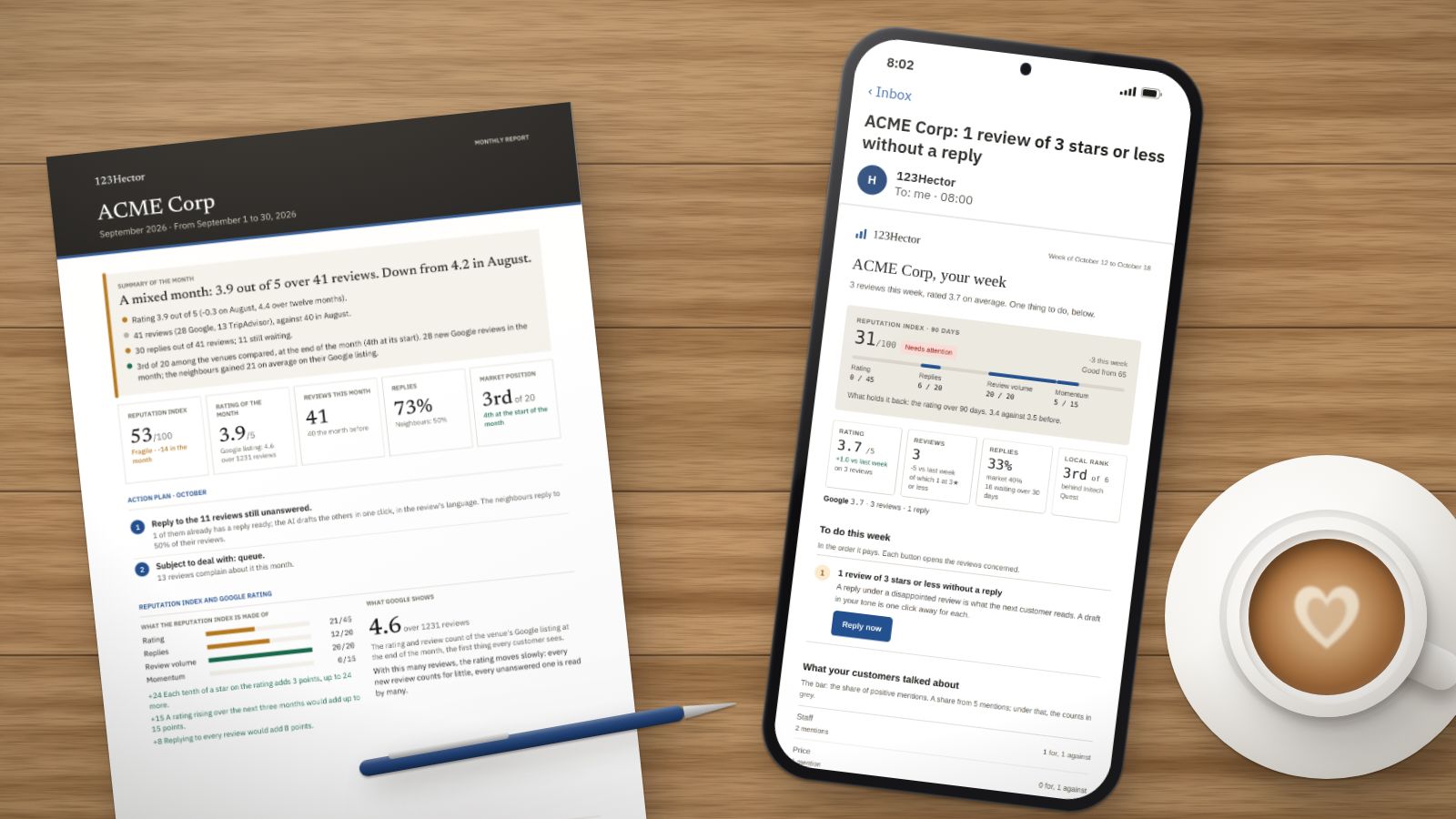
A week with 123Hector: what it does with your reviews, Monday to Sunday
The Monday email, the alert on the day a bad review lands, the reply already written, the competitors, the month’s report: a week in the life of a fictitious venue, ACME Corp, screen by screen.
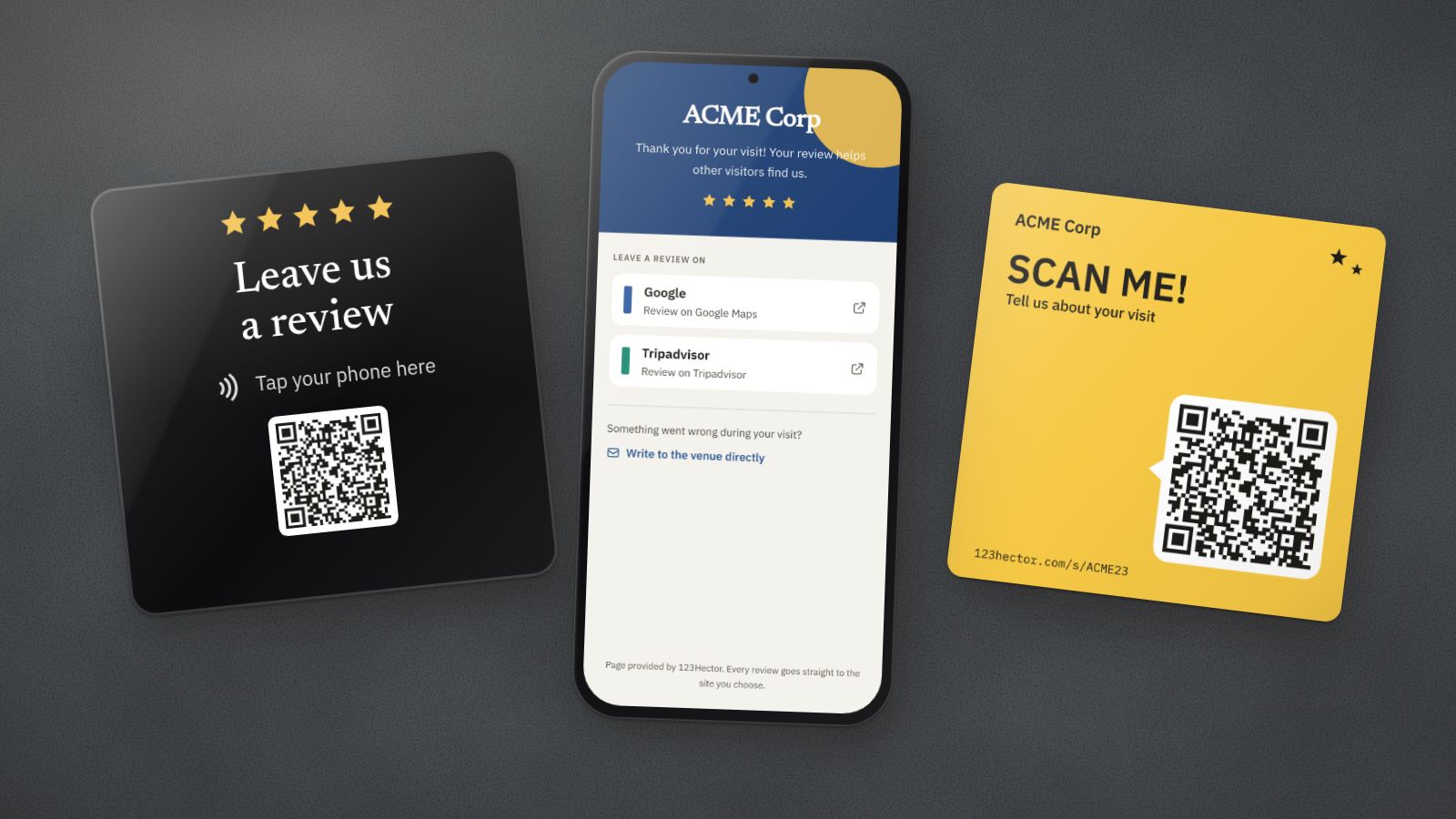
NFC plaque or QR code for Google reviews: which one to choose?
The NFC plaque promises reviews with a single tap; the QR code costs next to nothing. What each one really does, where it fails, and what matters more than the medium: the spot, the ask and the page that opens.