How to get more Google reviews: 8 methods that work (and 3 that are banned)
Ask at the right moment, in the right place, with the right link: the methods that bring Google reviews to a visitor attraction or leisure venue, without buying them or sorting customers. And what Google and the law forbid.
Also available in: French
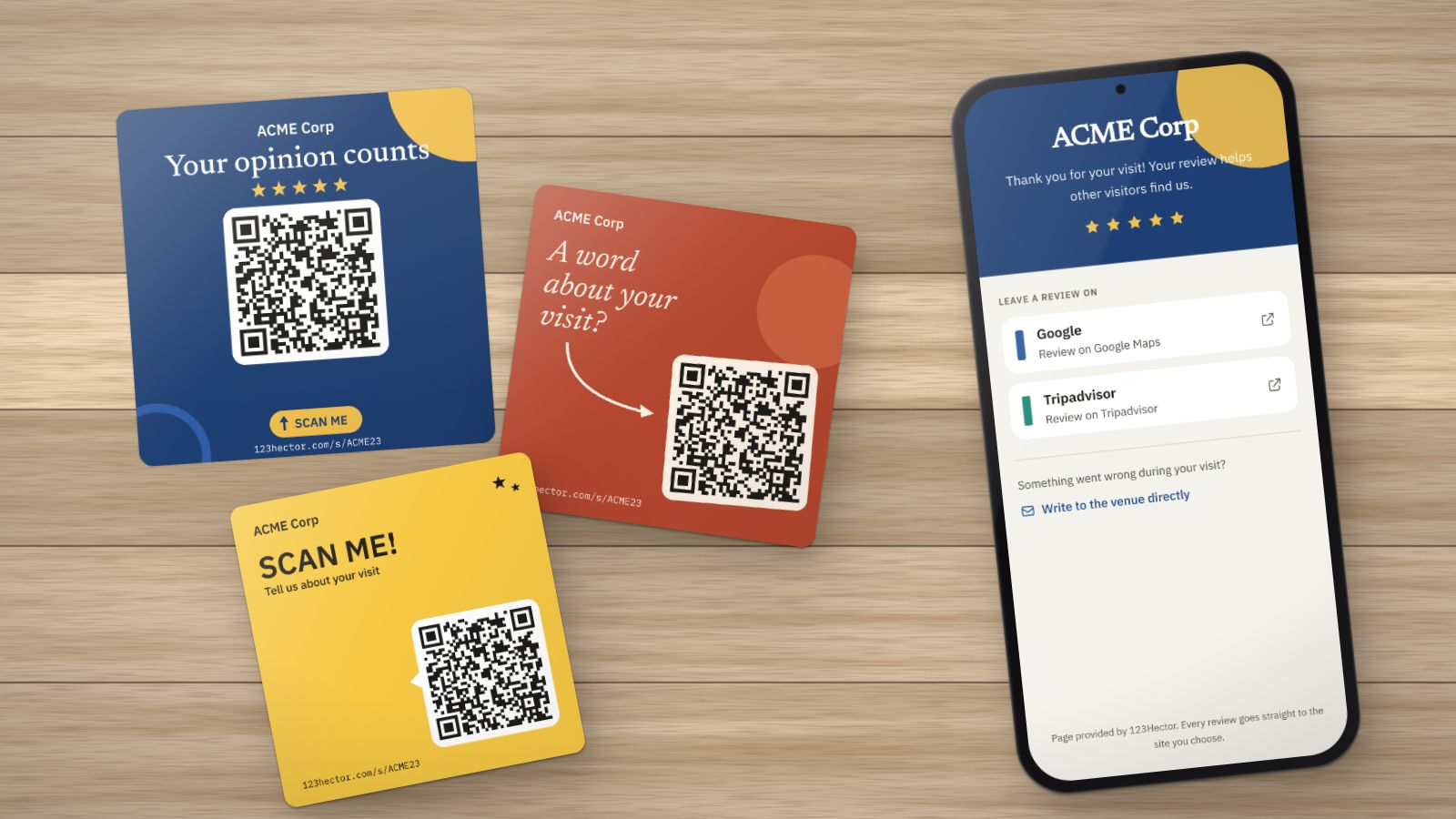
Two venues show 4.5 on Google. The first gets three reviews a month, the second thirty. The first sees its rating drop with every unhappy customer; the second’s barely moves. Its reviews are recent, and Google says so itself: the number of reviews and the rating count in the ranking of local results.
Most happy customers leave no review for a simple reason: nobody asked them, or not at the right moment. Here is what works, in the order we recommend it.
1. Simply ask
A happy customer who leaves without being asked will not think about it again. The same person, told at the right moment “if you enjoyed the visit, a Google review helps us a lot”, often will.
- Give the team one short sentence, the same for everyone: who asks, and when.
- Ask everyone, not only the customers who smile. Asking only happy customers is banned by Google (see below).
2. While the experience is still fresh
The best moment is the end of the experience, not three weeks later: at a museum’s exit, when equipment comes back, at an escape game’s debrief, when paying, when leaving a hotel. A message sent the same evening works better than a reminder the next week.
3. A direct link to the review form
Every extra step loses customers: open Maps, search for the venue, find the reviews tab, scroll… Google provides a link that opens the window to rate and write straight away.
Our Google review link and QR code generator finds it from your venue’s name, free and without an account, with an A4 sheet to print.
4. A QR code where people wait or pay
The QR code turns the spoken request into a two-second gesture. It works where customers have their phone in hand and a little time:
- at the till or the ticket desk, at eye level;
- at the exit, on the way to the car park;
- on tables, in a queue, in a hotel lobby.
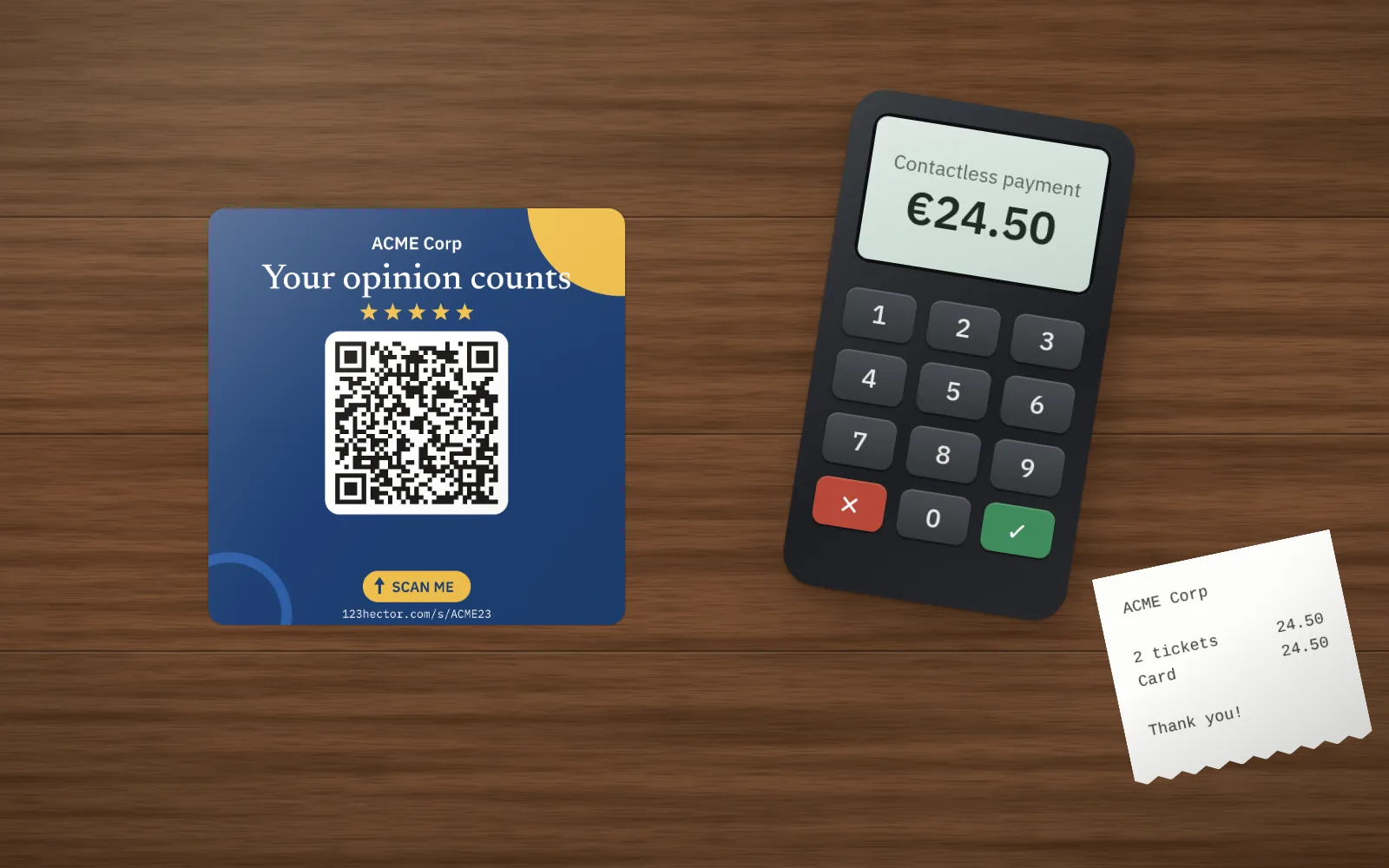 At the counter, the QR code is in front of customers while they pay.
A few simple rules. A QR code a few centimetres wide is read up close, not across a room. Add a short line that starts with a verb (“Scan and tell us”) and the venue’s name. And put a different code in each spot: you will know which one gets scanned, and move the others.
5. Show that you reply
A listing where every review has its reply shows that a person reads what is written. It is an invitation to write, and it is what the next customers read before choosing. Reply to good and bad reviews alike, the bad ones first: our guide to replying to Google reviews gives the method and examples.
6. The message after the visit
If your customers book online, the thank-you message sent after the visit is the best place for the link: short, signed with a first name, with the direct link. One reminder at most, and a way to stop receiving anything.
7. Every platform, not only Google
For a tourist venue, Tripadvisor counts too: offer both and let customers choose. One exception: Yelp forbids asking for reviews and buries the ones it decides were asked for. Do not ask for Yelp reviews.
8. Measure, and compare with the same season
Count your reviews every month and compare them with the same month last year: a leisure park that gets fewer reviews in November than in July has no problem. Check which QR code gets scanned, and how many reviews it takes to move the rating shown: our Google rating calculator tells you in one click.
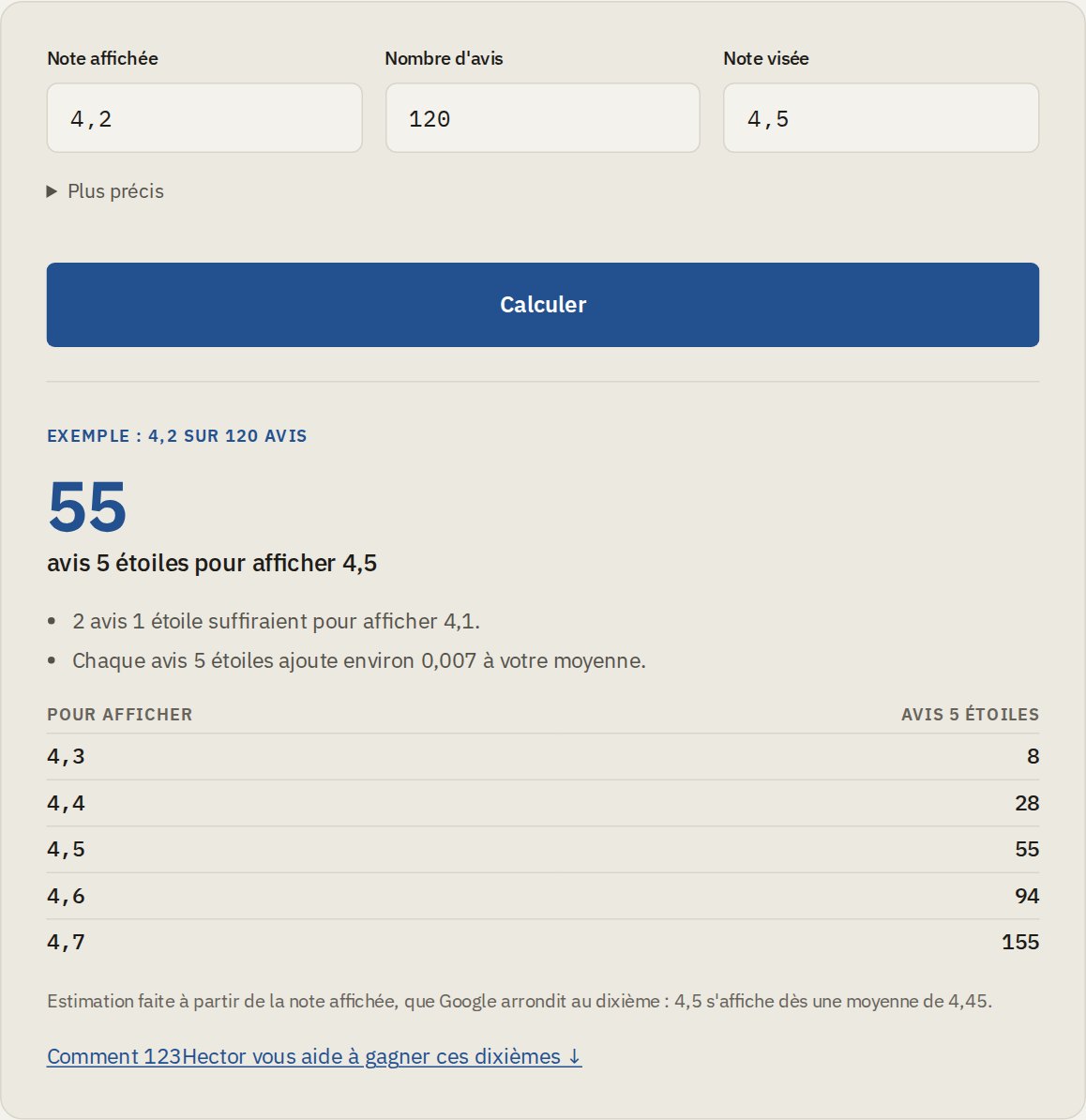 The free calculator: the current rating, the number of reviews and the target rating are enough.
What is banned
Three practices cost more than they bring.
- Buying reviews or having them written. In France, since 28 May 2022, posting fake reviews, or having them posted, is a misleading commercial practice in all circumstances (article L.121-4 of the Consumer Code, 28°). Committed online, as a review is, it carries up to five years in prison and a €750,000 fine since May 2024 (article L.132-2). Google, for its part, can remove the reviews, block new ones and show a warning on the listing.
- Rewarding a review. A discount, a gift, an entry into a prize draw in exchange for a review: Google and Tripadvisor forbid it, even when the review is honest.
- Asking only happy customers. Asking “did you enjoy it?” first and sending only those who say yes to Google is called review gating. Google forbids it in so many words. We explain why, and what to do instead, in this article.
With 123Hector
The link and the QR code are free for everyone. With a subscription, three 10 × 10 cm vinyl stickers in your venue’s name are offered: they are printed after the first payment and sent to the venue. More can be ordered afterwards, €19 for 3 or €49 for 10.
Each sticker has its own code: you see which spot gets scanned, without any cookie. Customers who scan land on a page in your colours offering Google and Tripadvisor, the same for everyone, with a way to write to you directly beside them. And every new review arrives in 123Hector with its reply drafted.
To see where your reviews stand today, the free audit sends it to you by email within minutes.
Sources
- Google, how to improve your local ranking on Google: the number of reviews and the rating count.
- Google, prohibited and restricted content on Maps: paid or rewarded reviews, fake engagement.
- Search Engine Land, Google review guidelines: discouraging negative or selectively soliciting positive reviews is not allowed.
- Légifrance, article L.121-4 of the French Consumer Code.
- CMS Francis Lefebvre, the new penalties for misleading commercial practices committed online.
- Tripadvisor, how Tripadvisor determines whether a review is biased: nothing in exchange for a review.
- Yelp, Don’t Ask for Reviews.
Want to see what your reviews say?
Get a free AI-powered audit of your venue's online reviews. No credit card required.
Get your free auditKeep reading
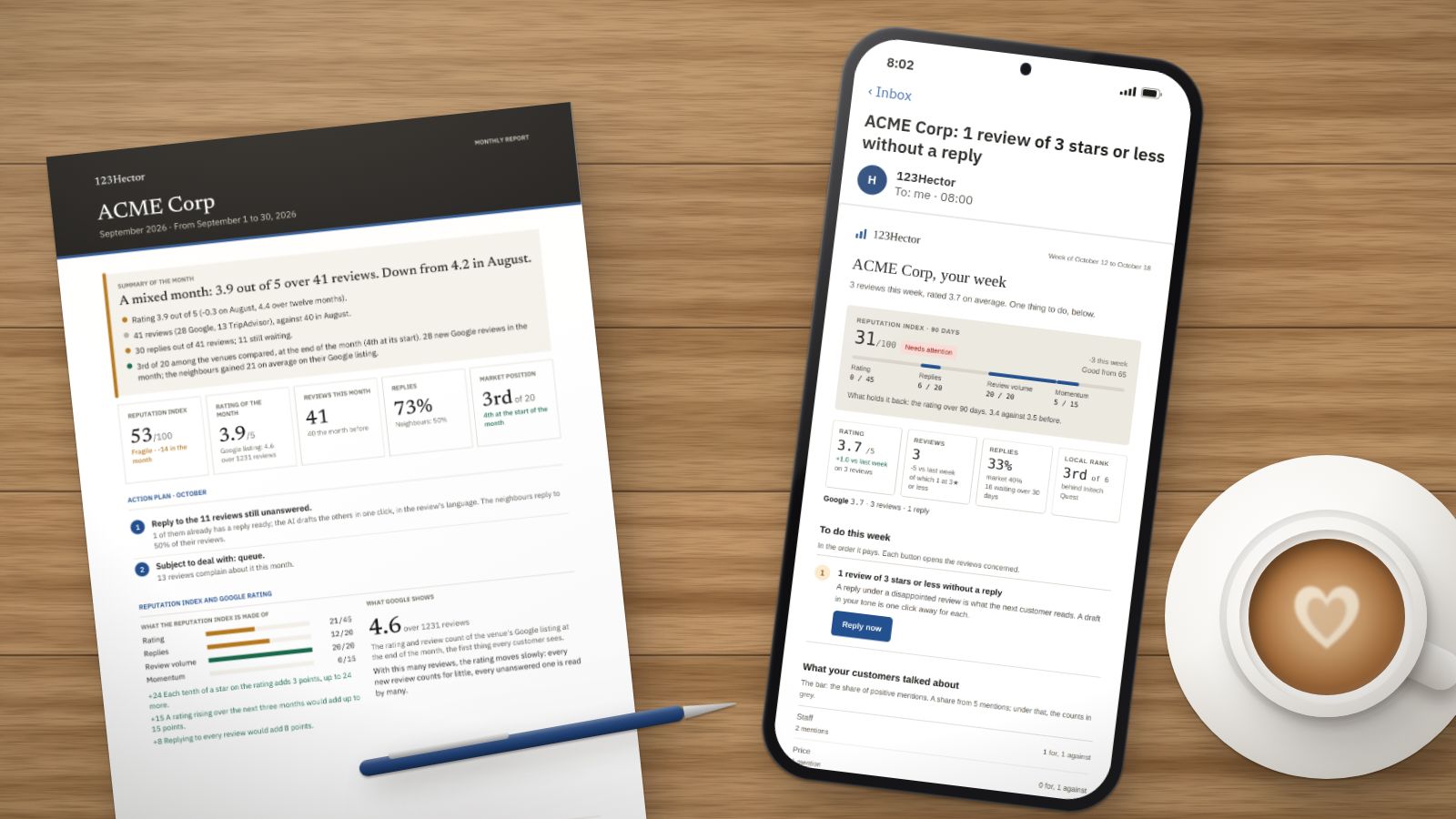
A week with 123Hector: what it does with your reviews, Monday to Sunday
The Monday email, the alert on the day a bad review lands, the reply already written, the competitors, the month’s report: a week in the life of a fictitious venue, ACME Corp, screen by screen.
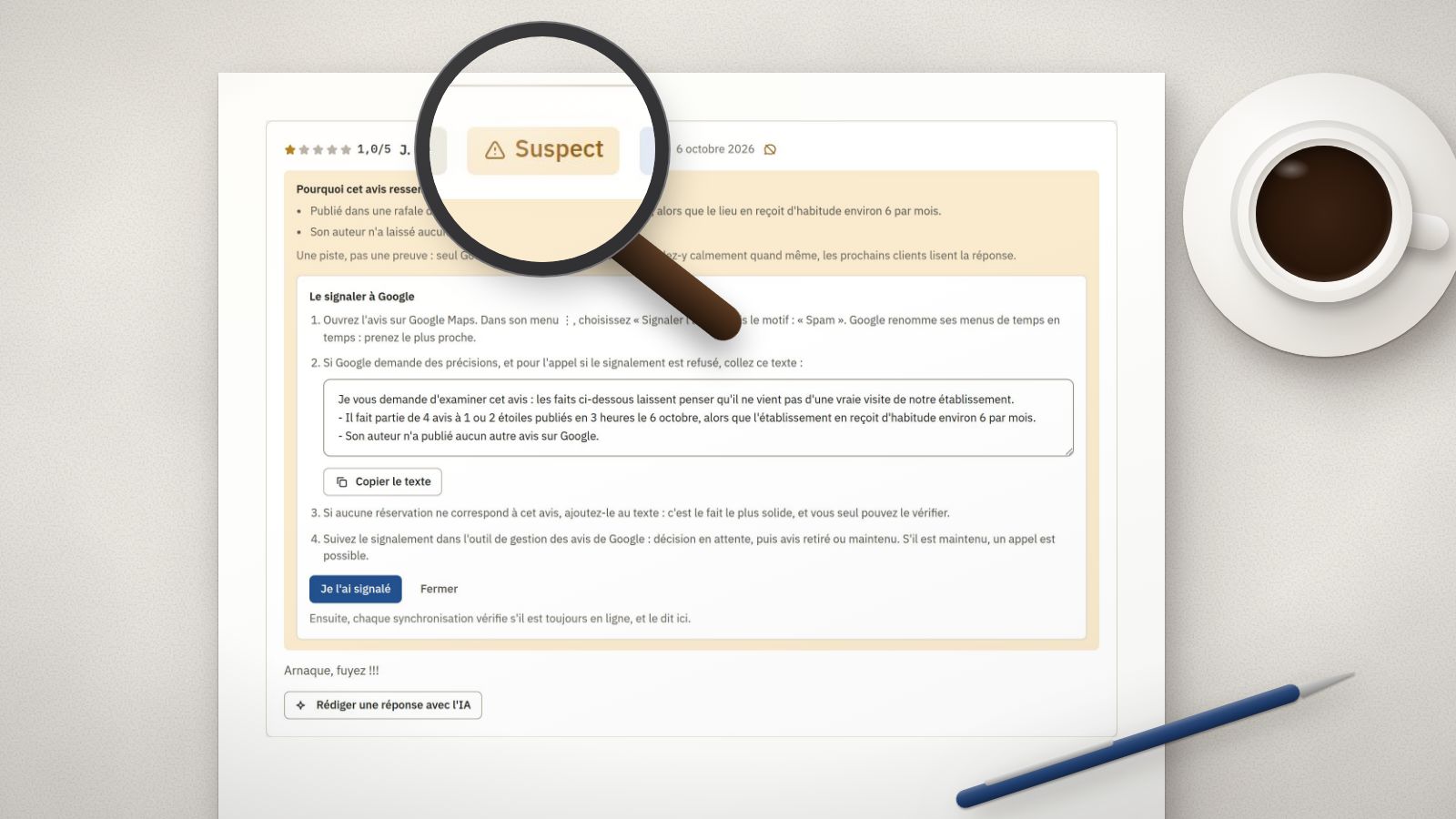
Fake Google reviews: how to spot them, report them and reply
A burst of 1-star ratings in one night, an account with no other review, a text about another place: the signs of a fake review, the steps to report it to Google, and the reply to publish meanwhile.
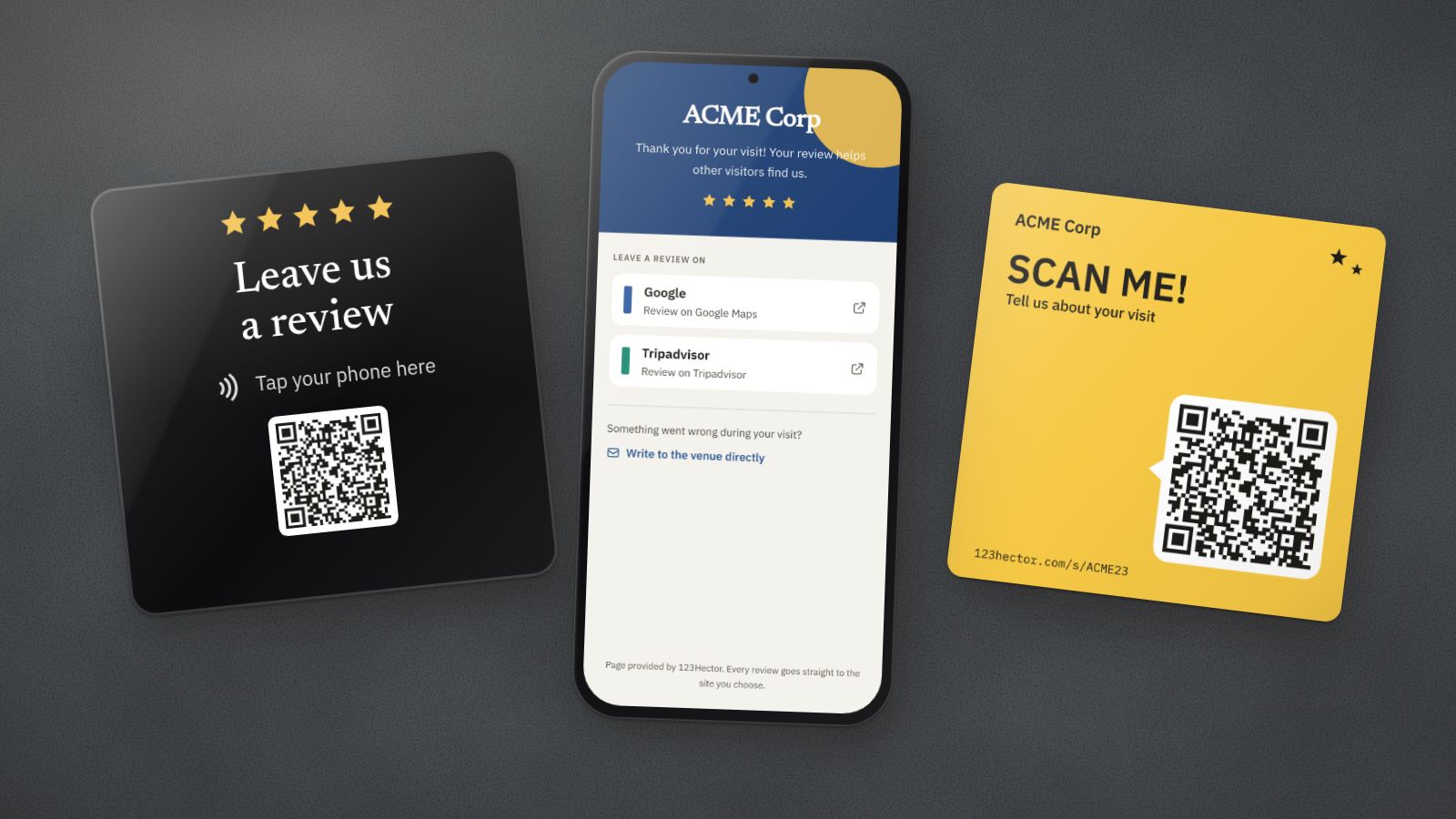
NFC plaque or QR code for Google reviews: which one to choose?
The NFC plaque promises reviews with a single tap; the QR code costs next to nothing. What each one really does, where it fails, and what matters more than the medium: the spot, the ask and the page that opens.