Filtering out bad reviews before Google: why it’s banned, and what to do instead
"Enjoyed it? Leave a Google review. Didn’t? Tell us." This sorting of customers, review gating, is sold with many QR codes and plaques. Google bans it, consumer law looks at it closely, and it works against the venue. What to do instead.
Also available in: French
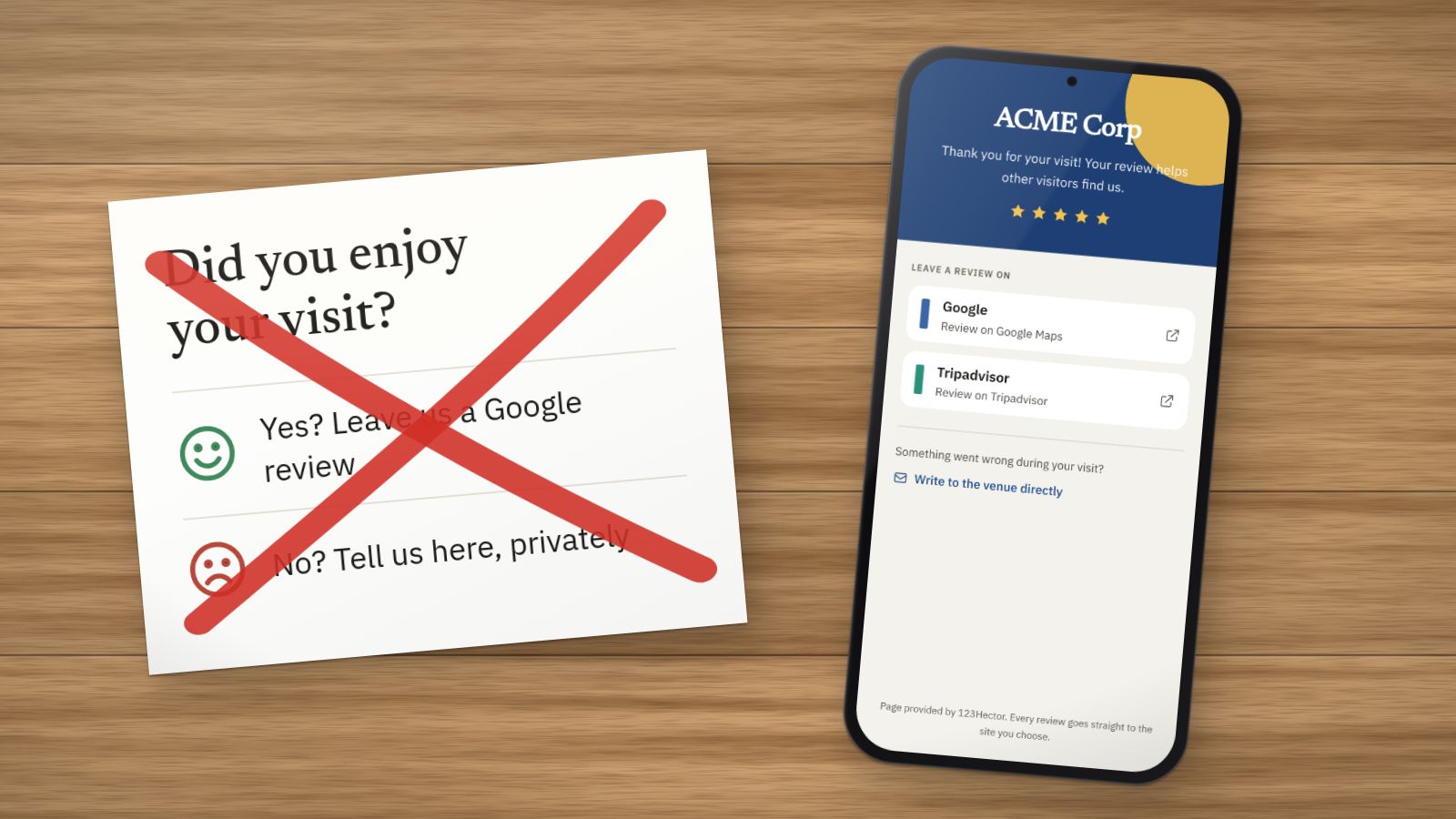
The card sits on the table, or the question appears after a QR code is scanned: “Did you enjoy your visit?” Customers who answer yes are sent to Google. Those who answer no land on a private form that nobody else will read.
This sorting is called review gating. It is often sold as an option with review plaques or tools, under the name “filter” or “bad review protection”. The idea looks clever: disappointed customers complain in private, Google only hears from happy ones. Yet it is banned, and it is a bad bargain.
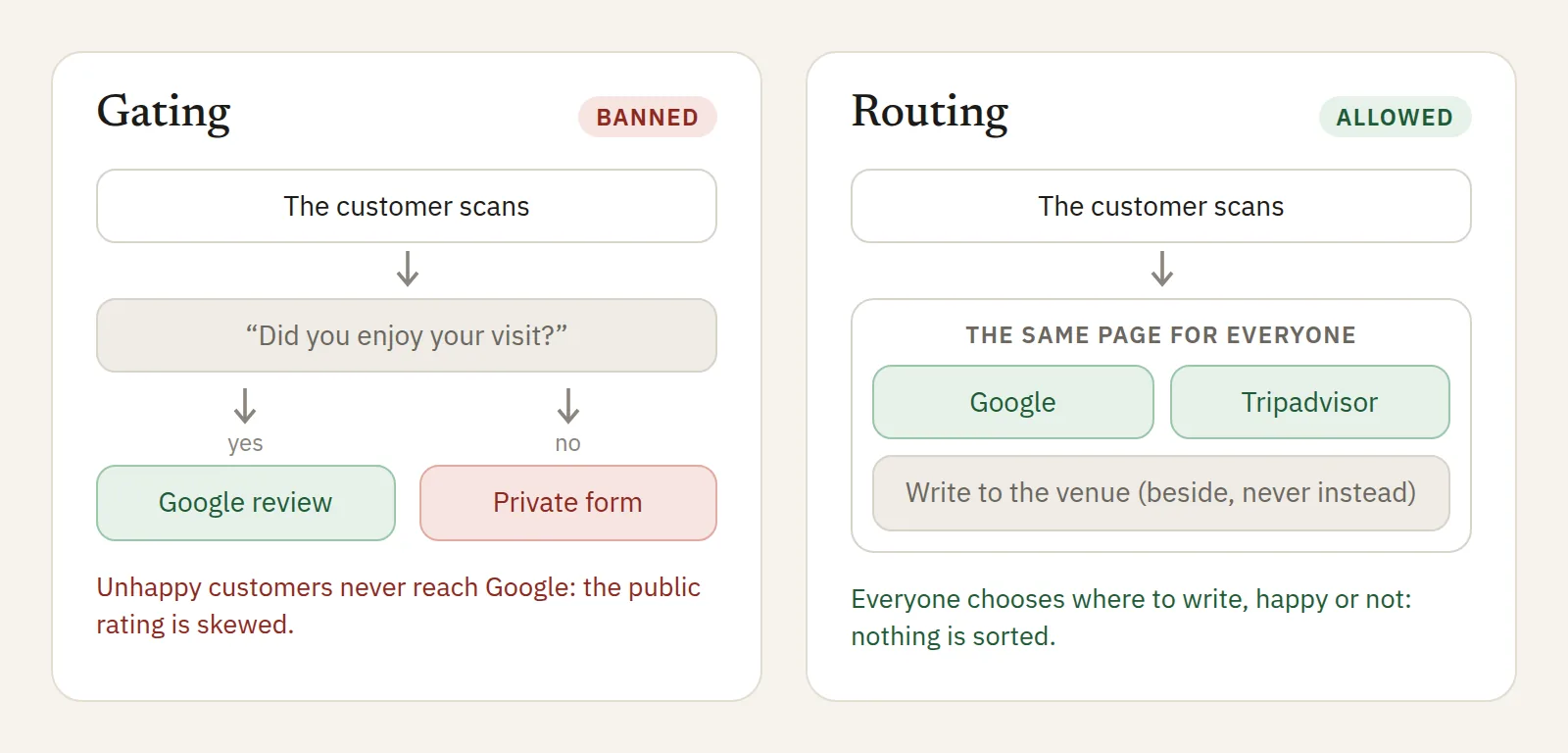 On the left, the sorting that skews the public rating. On the right, the same page for everyone.
Why it is banned
Google bans it in so many words. Its rules ask businesses not to discourage or prohibit negative reviews, and not to selectively solicit positive reviews. A path that only sends satisfied customers to Google does both. If it finds out, Google can remove the reviews concerned and penalise the listing.
Consumer law looks at it closely. Since 28 May 2022, under the EU “Omnibus” directive, the French Consumer Code lists among the commercial practices that are misleading in all circumstances posting fake reviews, or misrepresenting consumer reviews, to promote one’s products (article L.121-4, 28°). The text does not name review gating as such, but sorting customers before they write so that only the good ones get through gives a distorted picture of their opinion: it exposes the venue to that charge.
Why it is also a bad bargain
- The unhappy customer often goes to Google anyway, more annoyed for having been steered elsewhere.
- A rating with no criticism at all breeds suspicion. Readers know that no place pleases everyone.
- Customers arrive with the wrong expectations, and leave disappointed: tomorrow’s rating pays the price.
- What unhappy customers say is the most useful part. A public negative review with a good reply often reassures more than one more positive review.
What is allowed, and works
- Ask everyone, the same way. The same link, the same QR code, the same sentence, whatever the customer’s face. Our advice is in our article on getting more Google reviews.
- Offer several sites. Google and Tripadvisor side by side, and customers choose where to write. Routing by site is allowed; routing by satisfaction is not.
- Also offer a way to write to you privately. Beside the public buttons, never instead of them: “Something went wrong during your visit? Write to us.” The customer decides.
- Reply to negative reviews, and fix things. That is what the next customers read, and what lifts a rating for good.
How to recognise a tool that filters
- The page asks for a rating or a “satisfied?” before offering Google.
- A customer who gives a low rating never sees the link to Google.
- The option is called “filter”, “protection” or “anti bad review”.
If your plaque or tool does this, switch the option off, or change tools.
With 123Hector
Customers who scan a 123Hector sticker land on a page in your colours offering Google and Tripadvisor, the same for everyone: no question first, no sorting. A link to write to the venue directly sits beside the buttons, never instead of them. Yelp is not there, because Yelp forbids asking for reviews.
And when a negative review arrives, an alert tells you the same day, with a reply drafted in your voice. To see what your reviews say today, the free audit sends it to you by email within minutes.
Sources
- Search Engine Land, Google review guidelines: discouraging negative or selectively soliciting positive reviews is not allowed.
- Google, prohibited and restricted content on Maps.
- Légifrance, article L.121-4 of the French Consumer Code.
- EUR-Lex, Directive (EU) 2019/2161, the “Omnibus” directive.
- Yelp, Don’t Ask for Reviews.
Want to see what your reviews say?
Get a free AI-powered audit of your venue's online reviews. No credit card required.
Get your free auditKeep reading
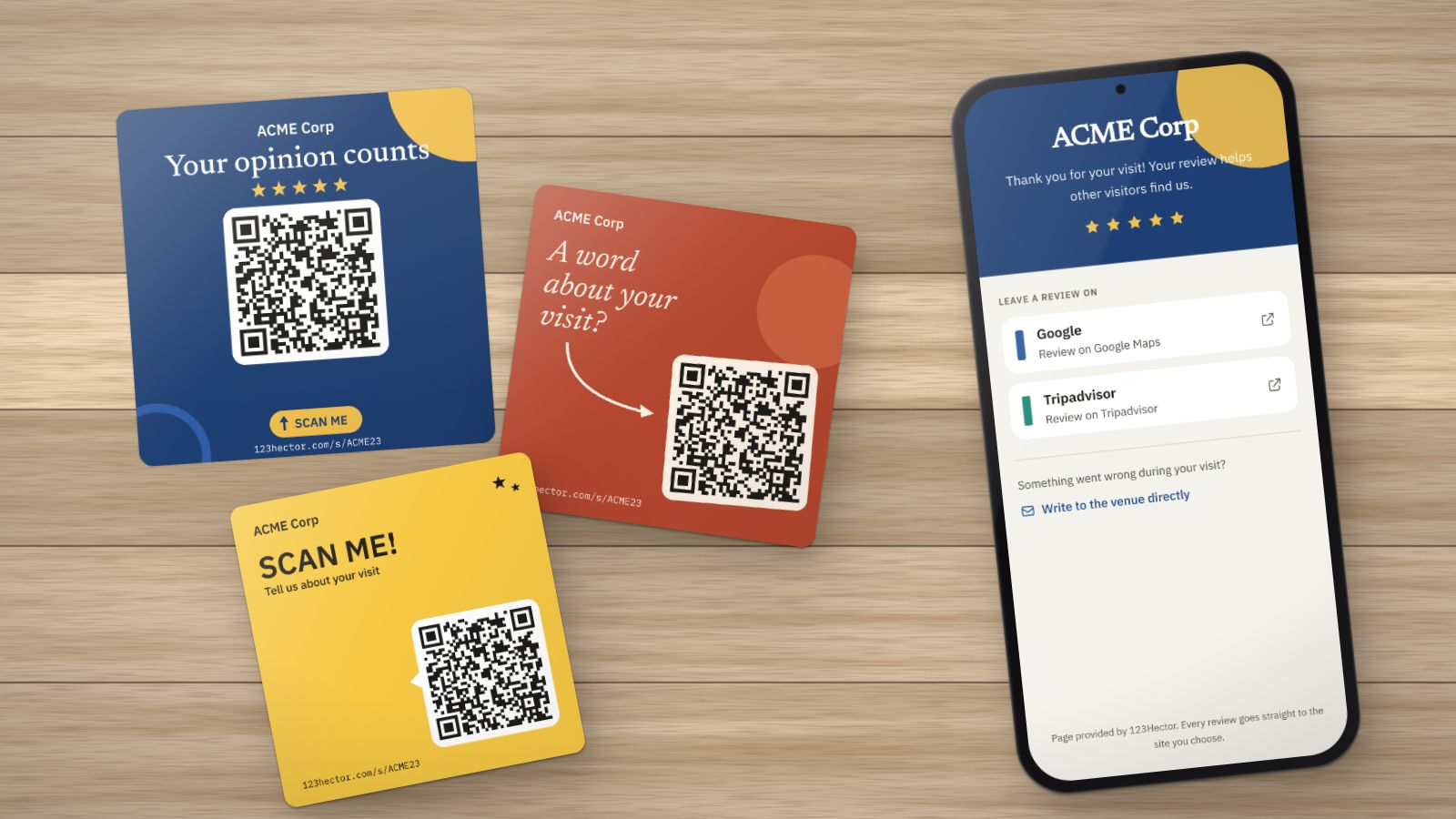
How to get more Google reviews: 8 methods that work (and 3 that are banned)
Ask at the right moment, in the right place, with the right link: the methods that bring Google reviews to a visitor attraction or leisure venue, without buying them or sorting customers. And what Google and the law forbid.
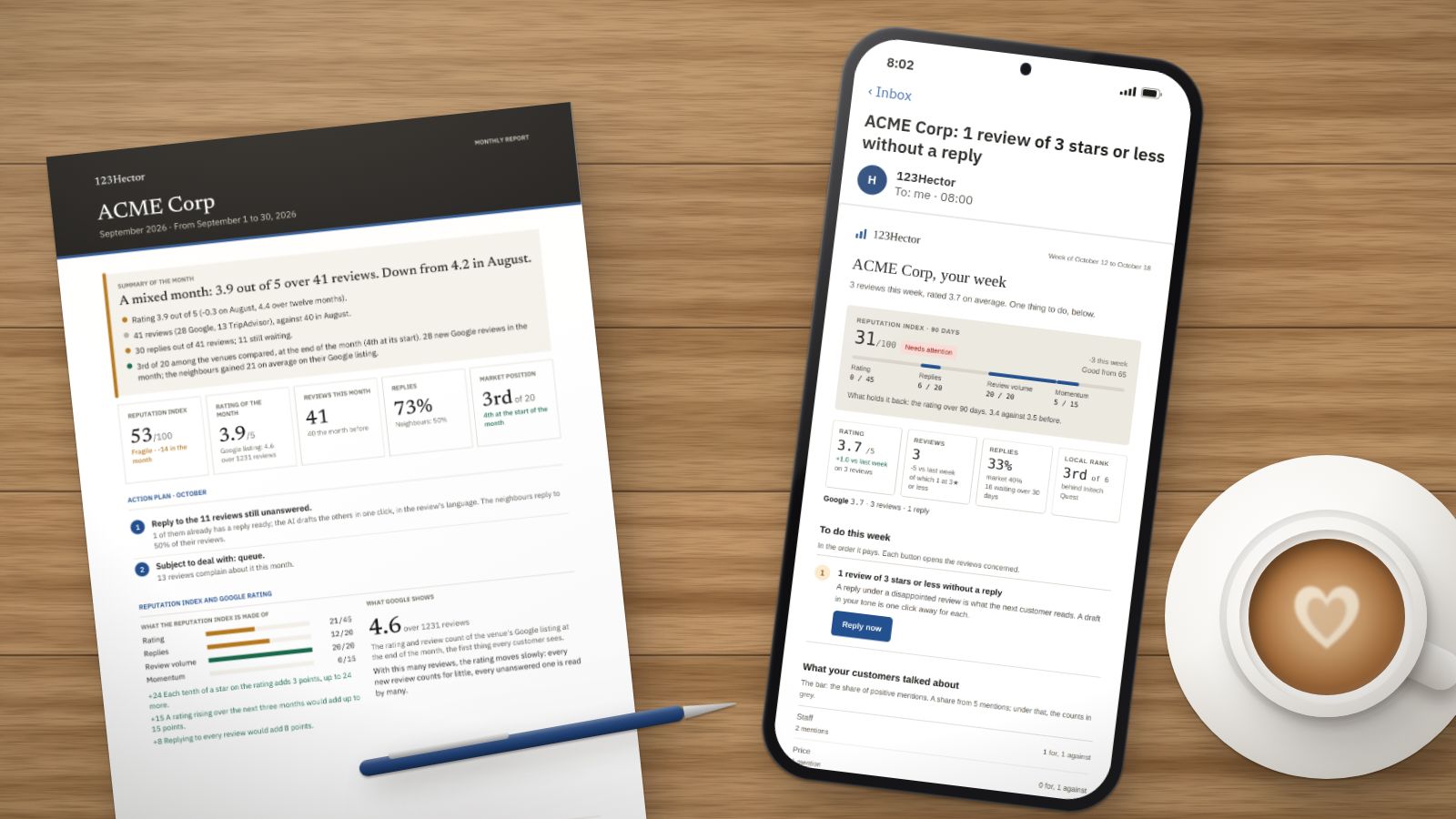
A week with 123Hector: what it does with your reviews, Monday to Sunday
The Monday email, the alert on the day a bad review lands, the reply already written, the competitors, the month’s report: a week in the life of a fictitious venue, ACME Corp, screen by screen.
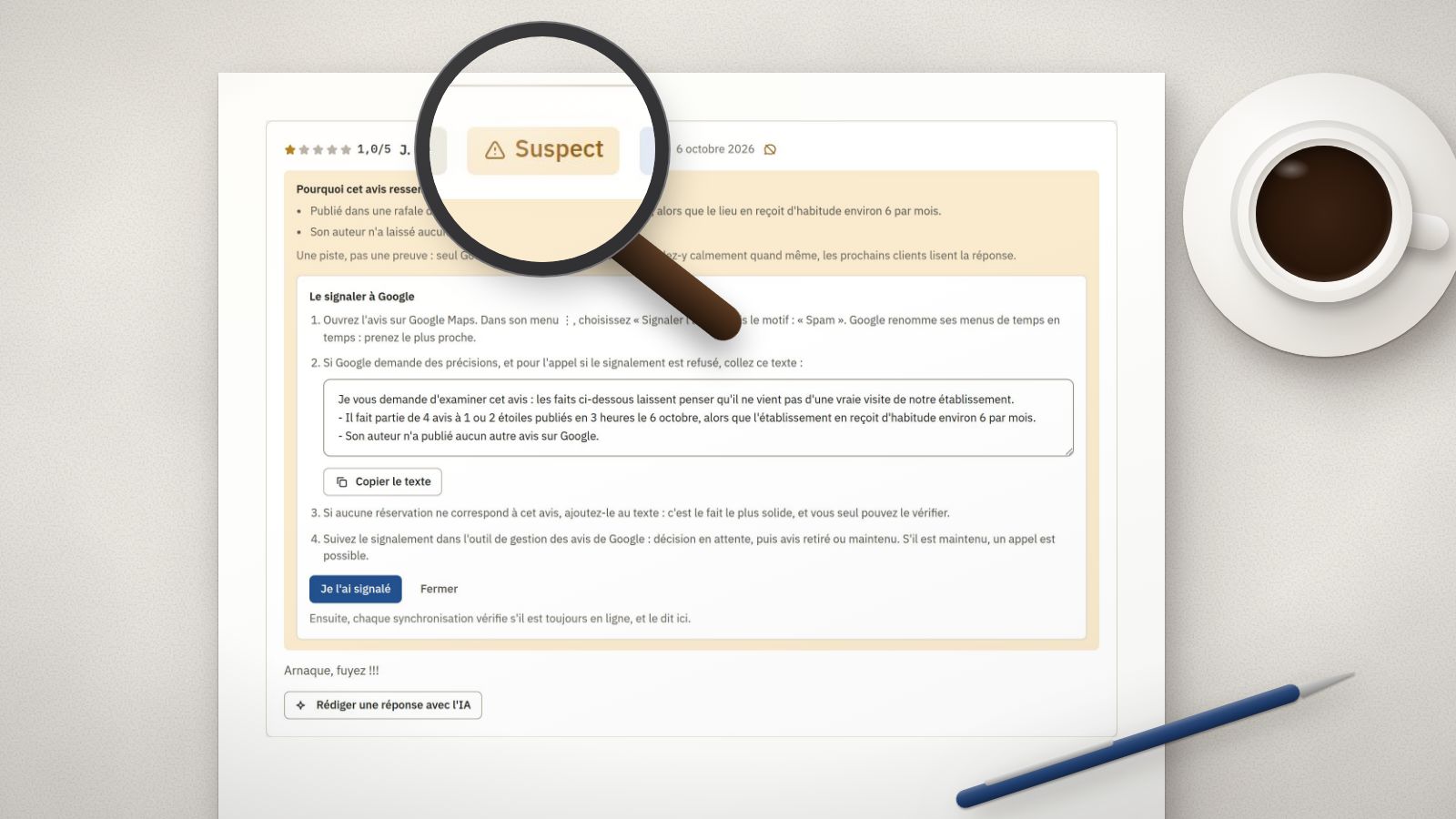
Fake Google reviews: how to spot them, report them and reply
A burst of 1-star ratings in one night, an account with no other review, a text about another place: the signs of a fake review, the steps to report it to Google, and the reply to publish meanwhile.